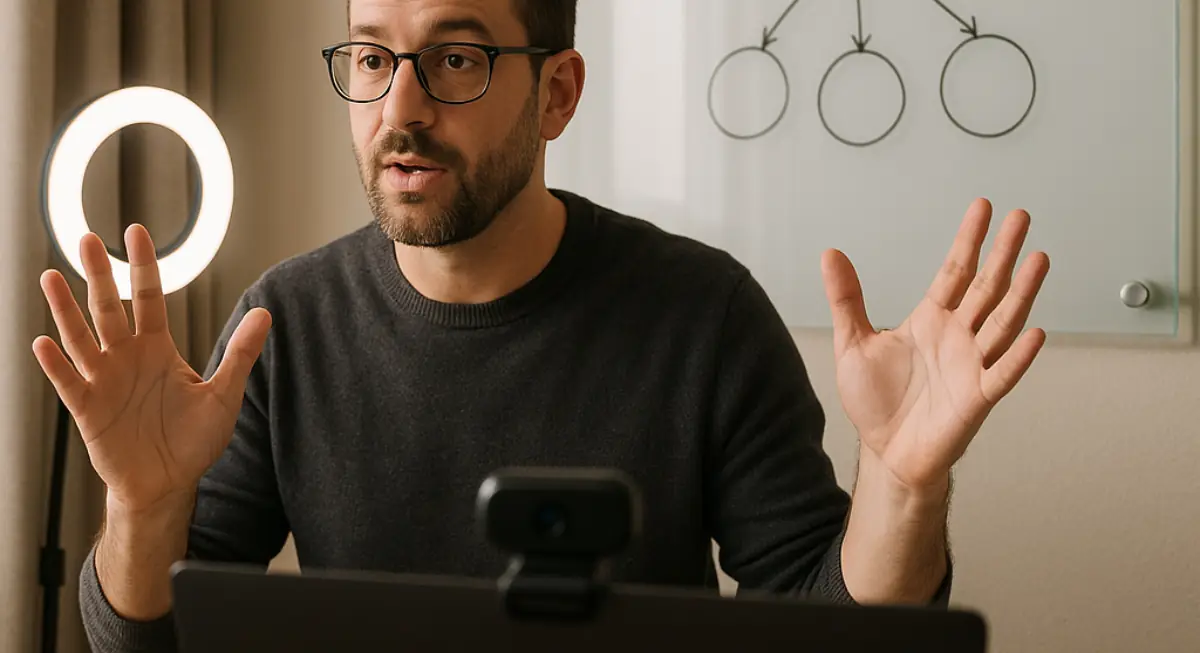
Three luxury-office upgrades I use daily to lead remotely: a glass board, a camera-grade light, and sound that doesn’t scream “home.”
The Glass Whiteboard That Doesn’t Fight Your Webcam
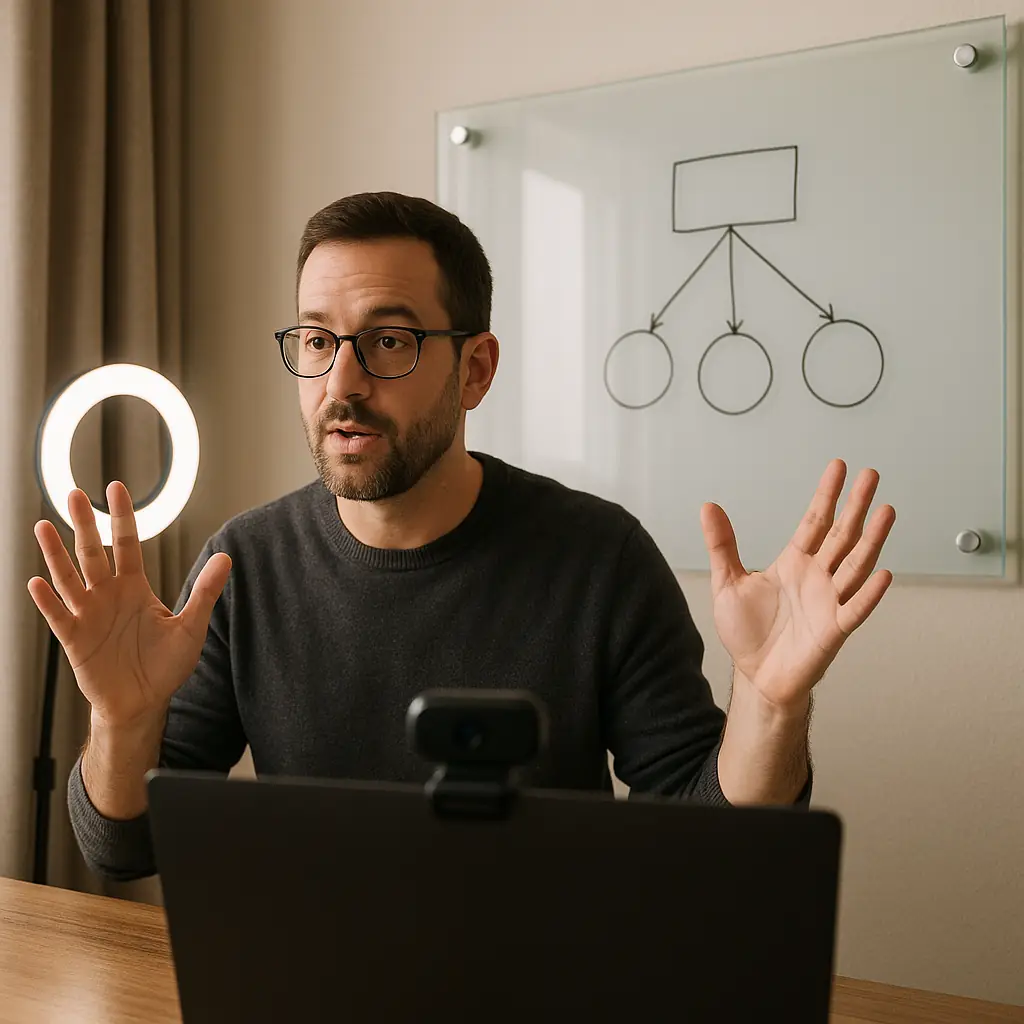
I didn’t buy a glass whiteboard because it felt bossy or because I wanted my office to look like a boutique hotel. I bought it after one too many remote leadership calls where I was trying to explain a decision tree with my hands in the air like a flight attendant. The surprise is how much the material matters on camera. A whiteboard can create glare or reflections under office lighting, especially when it sits directly in the camera’s view. I found that positioning the glass board carefully gave me a cleaner background and made my writing easier to see.
Here’s the detail that made it click for me: I positioned the board so it’s not parallel with the camera. I angled it slightly away from the camera, and I keep a soft key light aimed at my face. That small adjustment reduces the chance of a direct reflection into the camera and keeps the writing easier to read. In practice, I use it for two things that matter when you’re leading people you can’t physically gather: decision framing and follow-through. I write the 3 options, then under each I write the constraint we can’t dodge (timeline, budget, risk), and I leave it up for the week. When someone pings me midweek with, “Wait, why aren’t we doing the other thing?” I can literally point behind me and keep the tone calm.
If you want to make it feel like a status investment instead of a random office add-on, go bigger than you think you need and mount it with clean standoffs. The board becomes the backdrop that says: this is a place where work gets decided. And yes, you will start using it for everything, including rehearsing hard conversations before you have them.
Better Lighting Makes Remote Meetings Look Better
I used to think lighting was influencer territory. Then I watched a recording of myself leading a Monday kickoff from a very nice home office and realized I looked like I was calling in from an airport bar. Same words, same agenda, totally different authority. Remote leadership is unfair that way: your camera is the room, and lighting is the ceiling height.
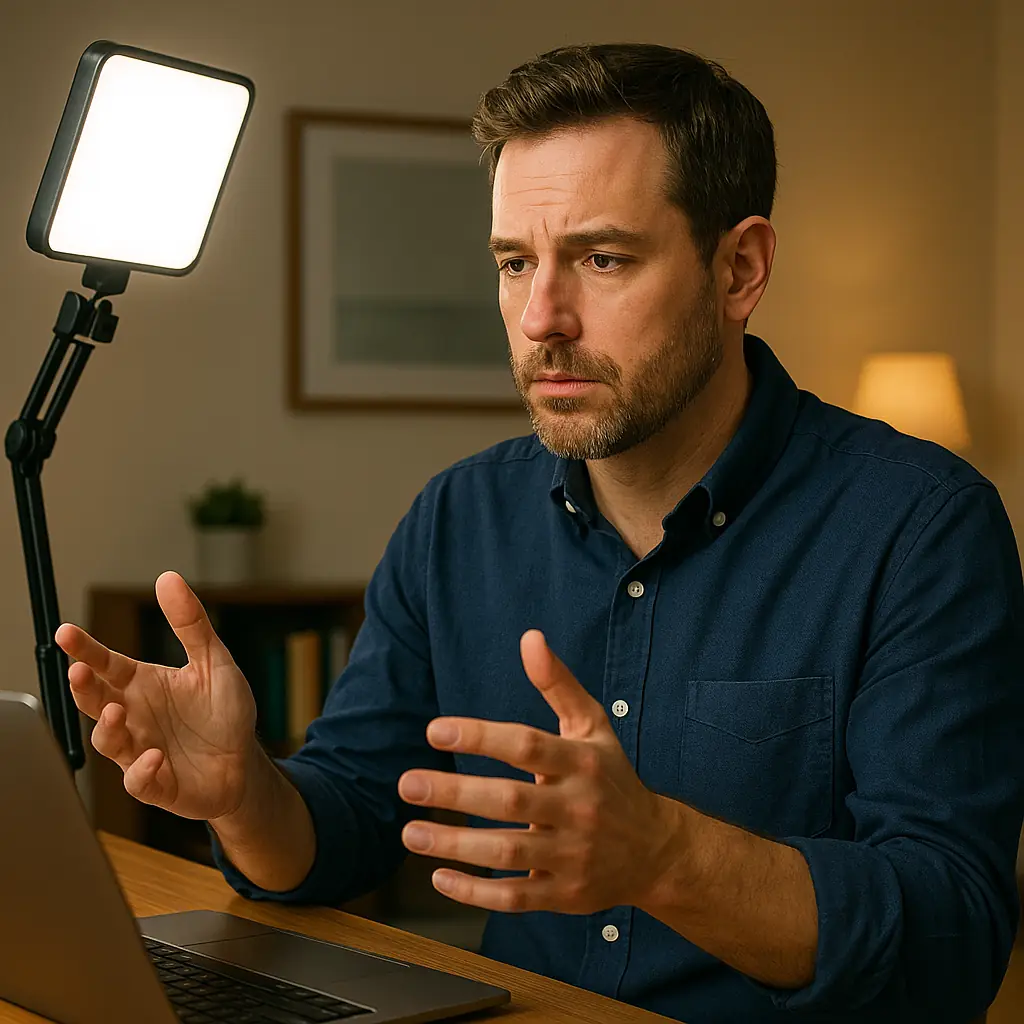
The upgrade that earned its keep was a proper key light (I use an Elgato Key Light on a desk clamp) and one rule: never rely on a ceiling can light as your primary source. Overhead lighting can create unflattering shadows on your face, so I use the key light as my primary source. On days I’m driving decisions, I set the key light slightly above eye level and angle it toward my face. I adjust the brightness until my face is evenly lit, then I add a warm back lamp in the corner of the room so the background doesn’t look like a blank wall on a Zoom hostage video.
Where the luxury part sneaks in is how it changes the room’s function. A serious home office with good lighting stops being just a desk. It becomes a mini studio where you can run an all-hands, record a crisp Loom walkthrough, or do a tough performance conversation without looking washed out. It also makes your space more flexible for the rest of your life: I can finish a call, swivel the light, and do a quick client video without dragging a tripod into the hallway.
If you’re doing this on a budget, you can still borrow the approach: a single dimmable panel light aimed at your face beats three random lamps behind you. If we’re talking status investments, this is one of those purchases people may not consciously notice. They just see you more clearly, and the meeting starts with one less distraction.
Audio That Keeps You From Repeating Yourself (And Losing the Room)
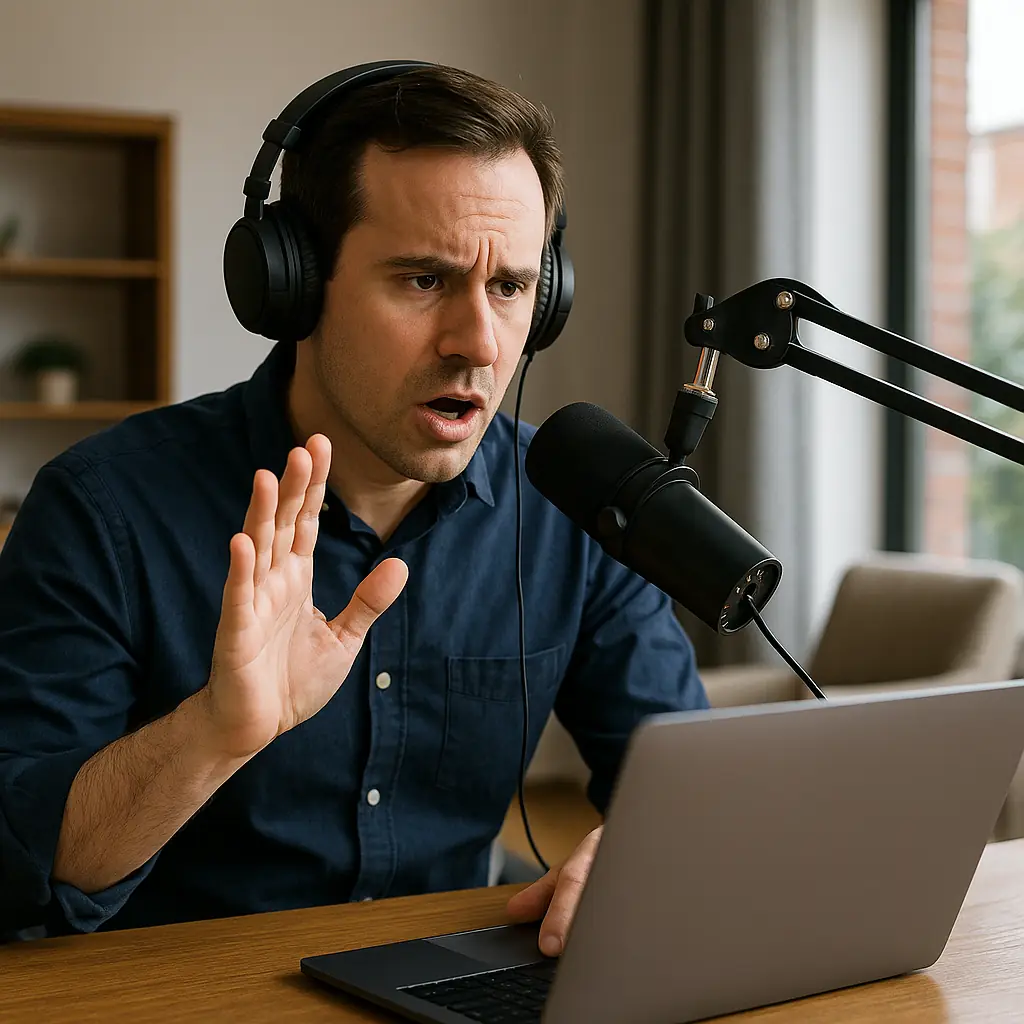
Nothing drains a remote room faster than the leader saying, “Can you hear me now?” twice. It’s a tiny thing, but the moment the group starts troubleshooting your setup, you’re no longer running the meeting. You’re the meeting.
I learned this the hard way in a glassy, beautifully staged office that sounded like a shoebox on Teams. The fix wasn’t complicated, but it was specific: treat sound like part of the build-out. I use a Shure MV7 on a boom arm, and I keep it close, roughly 1 to 6 inches from my mouth. Distance is everything. A great mic far away still captures room echo, keyboard clacks, and the HVAC whoosh that you stop noticing after five minutes but everyone else hears the whole time.
The luxury office angle shows up in the surfaces. Hardwood floors, big windows, and bare walls can create more reflections and room echo. So I added soft absorption where it doesn’t look like a podcast bunker: a thick rug under the desk, fabric curtains that can actually close, and one large upholstered chair that isn’t there for sitting so much as it is for killing reflections. If you want to go further, acoustic panels exist in finishes that look like art, but you don’t need to turn your office into a recording booth to sound professional.
Two practical habits help too. First, I mute desktop notifications and put my phone face down. Every ping turns into a tiny flinch on camera, and people track that. Second, I do a 10-second recording check before high-stakes calls because it catches the obvious stuff: the mic input switched, the gain got bumped, the boom arm drifted.
When your audio is clean, you can use silence on purpose. You can ask a hard question and wait. You can let someone think without filling the gap with, “Sorry, did that cut out?” That’s where the investment pays you back: the technology becomes less noticeable, and you can focus on the conversation.